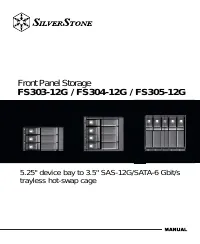
SilverStone DS380 - Инструкция по эксплуатации
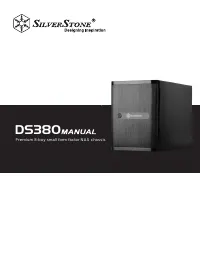
Корпус к ПК SilverStone DS380 - инструкция пользователя по применению, эксплуатации и установке на русском языке. Мы надеемся, она поможет вам решить возникшие у вас вопросы при эксплуатации техники.
Если остались дополнительные вопросы — свяжитесь с нами через контактную форму.

Содержание:
- Страница 4 – Front I/O connector guide; Open
- Страница 5 – Installation guide
- Страница 13 – Connector definition
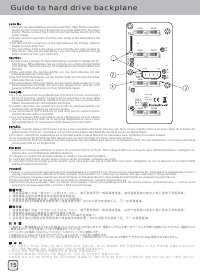
- Страница 16 – Guide to hard drive backplane
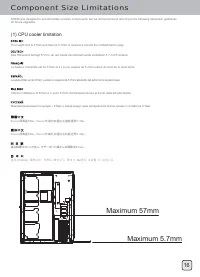
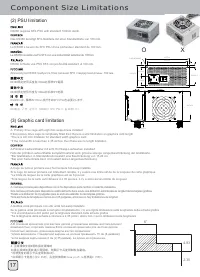
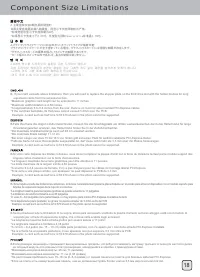
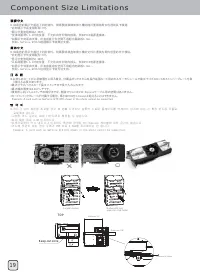
- Страница 17 – Component Size Limitations
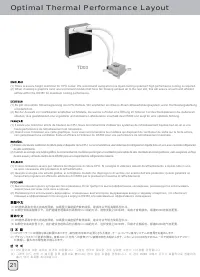
- Страница 22 – Optimal Thermal Performance Layout
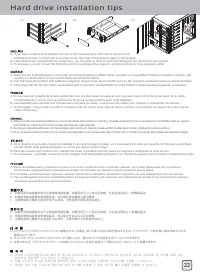
- Страница 23 – Hard drive installation tips
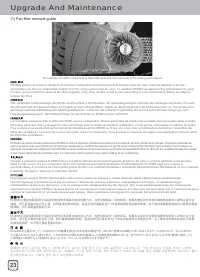
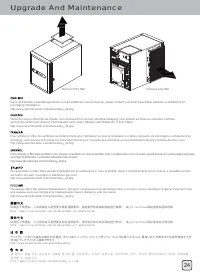
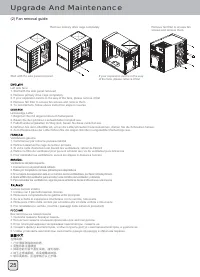
- Страница 24 – Upgrade And Maintenance
- Страница 28 – Protect your computer
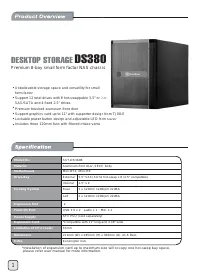
DS380
Premium 8-bay small form factor NAS chassis
"Загрузка инструкции" означает, что нужно подождать пока файл загрузится и можно будет его читать онлайн. Некоторые инструкции очень большие и время их появления зависит от вашей скорости интернета.
Была ли эта инструкция полезной?
Об этой инструкции
- Бренд
- SilverStone
- Модель
- DS380
- Тип документа
- Инструкция по эксплуатации
- Категория
- Корпус к ПК
- Язык(и)
- Русский
- Страницы
- 32
- Размер файла
- 4,7 MB
- Формат
Краткое содержание
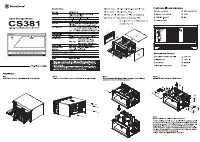
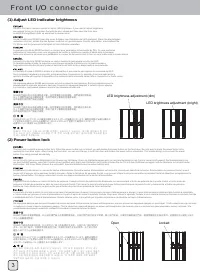
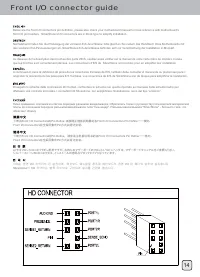
Front I/O connector guide (1) Adjust LED indicator brightness LED brightness adjustment (dim) Open Locked LED brightness adjustment (bright) DS380’s front door contains a slider to adjust LED brightness. If you need to adjust brightness, we suggest turning on the system first with the door closed an...
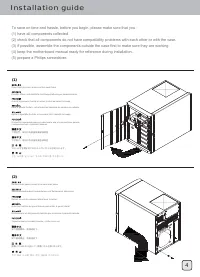
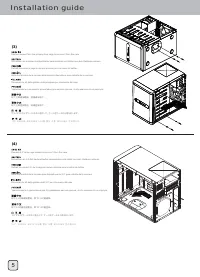
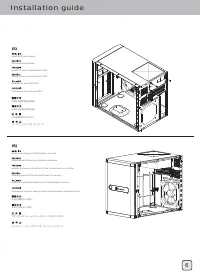
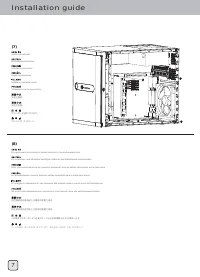
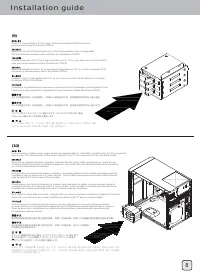
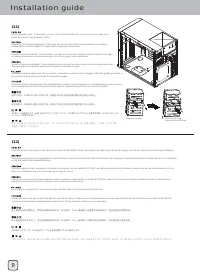
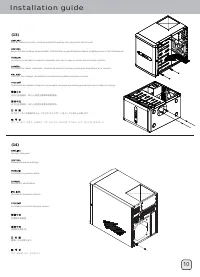
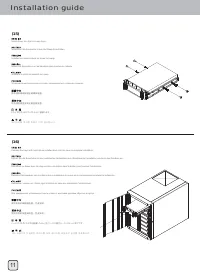
Installation guide (1) Open front door and remove all hot-swap trays To save on time and hassle, before you begin, please make sure that you :(1) have all components collected. (2) check that all components do not have compatibility problems with each other or with the case.(3) if possible, assemble...
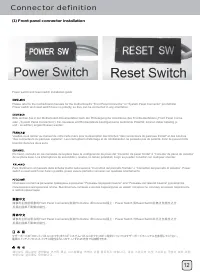
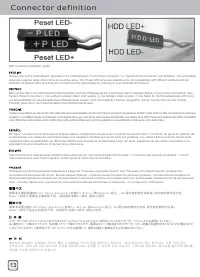
Connector definition (1) Front panel connector installation Power switch and reset switch installation guide: Please refer to the motherboard manuals for the motherboard’s “Front Panel Connector” or “System Panel Connector” pin definitioPower switch and reset switch have no polarity, so they can be ...