
Телевизоры кинескопные Sony KV-34FQ75K - инструкция пользователя по применению, эксплуатации и установке на русском языке. Мы надеемся, она поможет вам решить возникшие у вас вопросы при эксплуатации техники.
Если остались вопросы, задайте их в комментариях после инструкции.
"Загружаем инструкцию", означает, что нужно подождать пока файл загрузится и можно будет его читать онлайн. Некоторые инструкции очень большие и время их появления зависит от вашей скорости интернета.















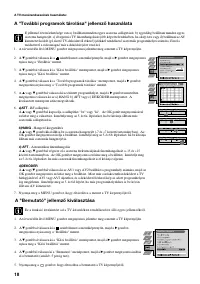
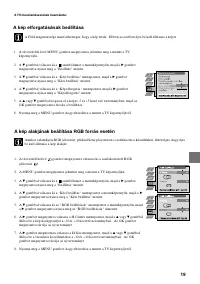
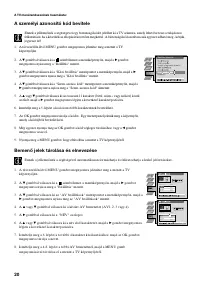
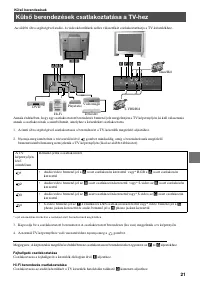

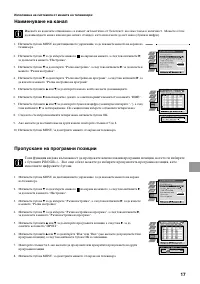
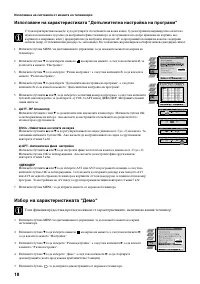
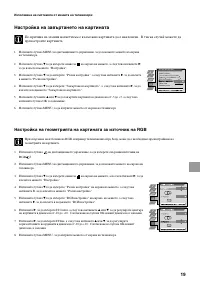
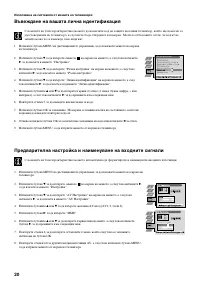



15
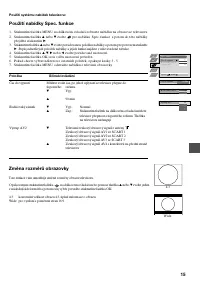
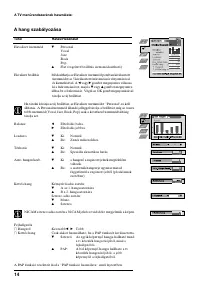
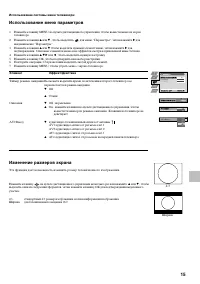
Using the TV menu system:
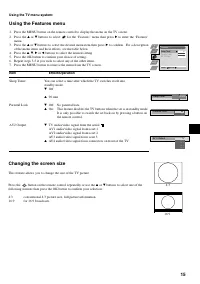
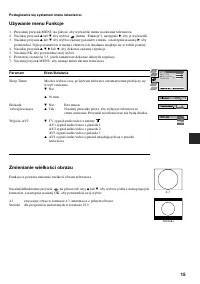
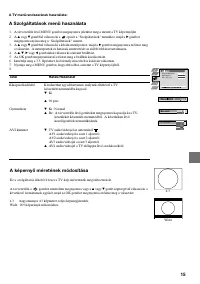
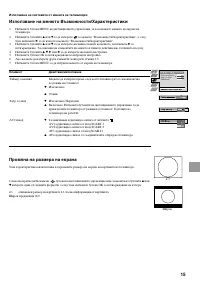
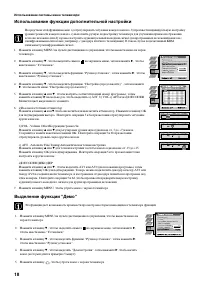
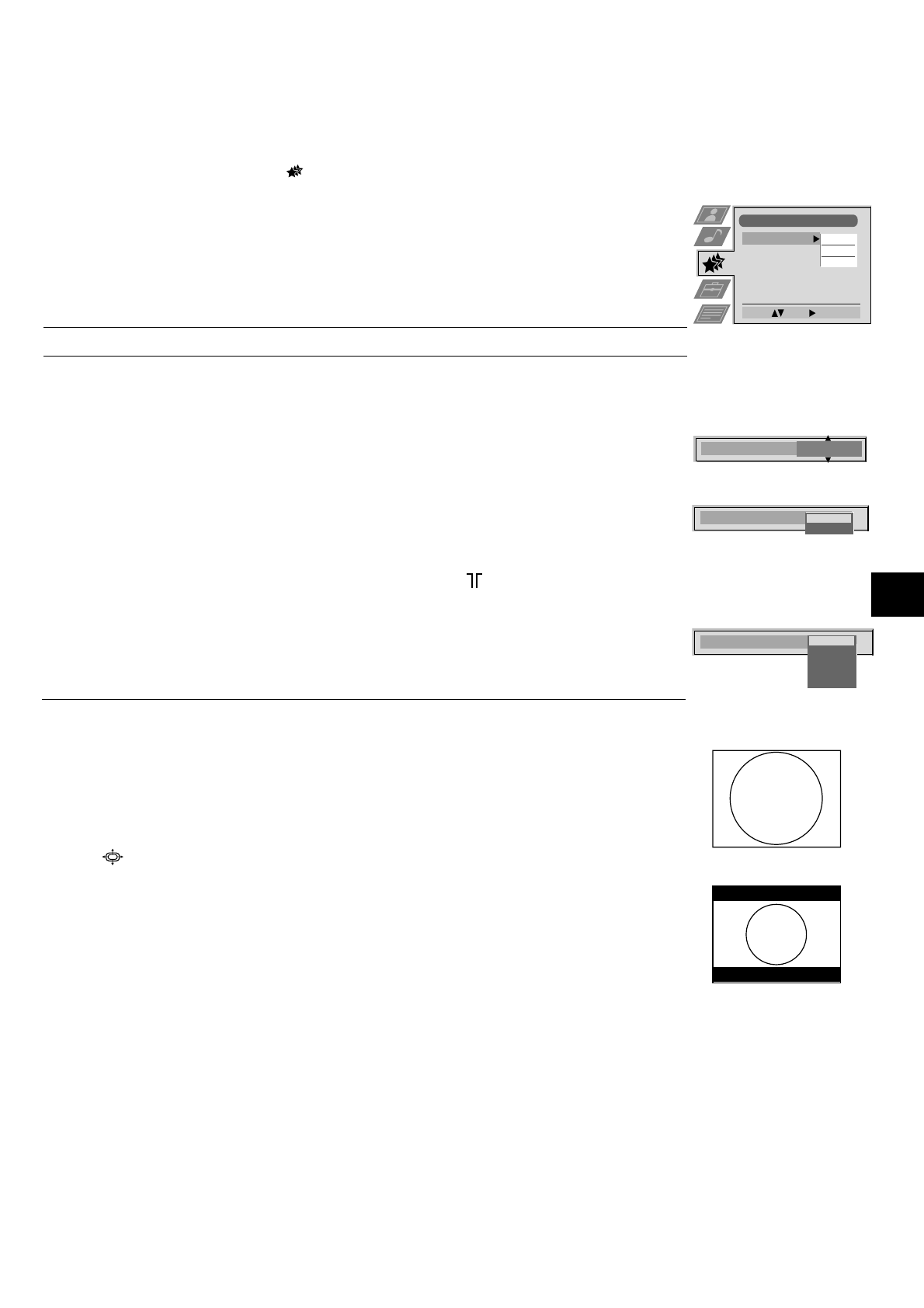
Using the Features menu
1. Press the MENU button on the remote control to display the menu on the TV screen.
2. Press the
v
or
V
buttons to select
for the ‘Features’ menu then press
B
to enter the ‘Features’
menu.
3. Press the
v
or
V
buttons to select the desired menu item then press
B
to confirm. For a description
of the menu items and their effects, see the table below.
4. Press the
v
,
V
,
B
or
b
buttons to select the desired setting.
5. Press the OK button to confirm your choice of setting.
6. Repeat steps 3-5 if you wish to select any of the other items.
7. Press the MENU button to remove the menu from the TV screen.
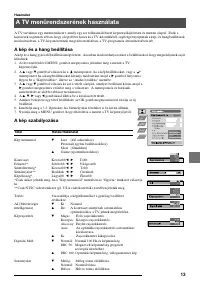
Item
Effect/Operation
Sleep Timer
You can select a time after which the TV switches itself into
standby mode.
V
Off
v
90 min
Parental Lock
V
Off: No parental lock.
v
On:
This feature disables the TV buttons when the set is in standby mode.
It is only possible to switch the set back on by pressing a button on
the remote control.
AV2 Output
V
TV audio/video signal from the aerial
AV1 audio/video signal from scart 1
AV2 audio/video signal from scart 2
AV3 audio/video signal from scart 3
v
AV4 audio/video signal from connectors on front of the TV
Features
Select:
Enter:
Sleep Timer
Parental Lock
AV 2 Output
Off
Off
TV
10 min
Sleep Timer
Changing the screen size
This feature allows you to change the size of the TV picture.
Press the
button on the remote control repeatedly or use the
v
or
V
buttons to select one of the
following formats then press the OK button to confirm your selection:
4:3
conventional 4:3 picture size, full picture information.
16:9
for 16:9 broadcasts.
4:3
16:9
Parental Look
Off
On
AV 2 Output
TV
AV 1
AV 2
AV 3
AV 4


